Blog8 min read
The Enterprise Data Migration to Notion Playbook
Moving teams into Notion without losing their trust: the eight-phase framework we use for any migration above a certain size, each phase with a clear output and a clear owner.
- Notion
- Data Migration
- Process mapping
- Consulting
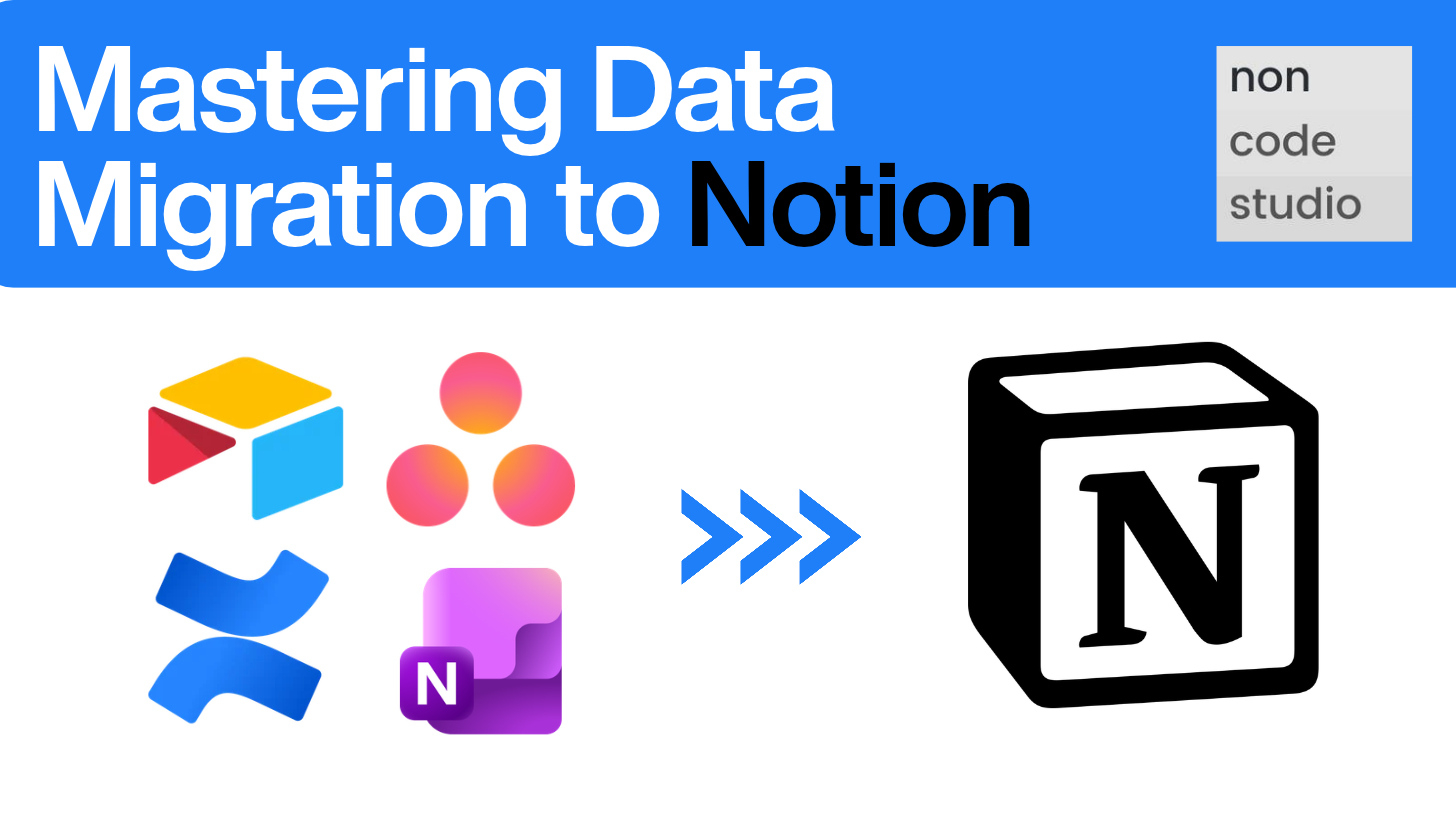
Big enterprise migrations don’t fail because the API calls didn’t work. They fail because nobody mapped the dependencies properly, nobody tested with a real team before rolling out to everyone and nobody planned for the two weeks after go live when things quietly break. We’ve borrowed the structure of this playbook from how enterprise migrations are run, where the stakes (and the data volumes) are high enough that consultants had to figure out a repeatable methodology decades ago. We’ve adapted it specifically for what we do every day: moving teams out of Airtable, Confluence, Asana, OneNote (and other tools) into Notion.
This is the framework we use internally at Non Code Studio for any migration above a certain size. Eight phases, each with a clear output, each with a clear owner.
The Eight Phases of Migration at a Glance
- Discovery and Scoping
- Data Assessment and Quality Audit
- Requirements and Mapping Workbook
- Object Sequencing and Dependency Mapping
- Transformation and Tooling
- Pilot Migration, Testing and Sign-off
- Phased Cutover and Go-Live
- Hypercare and Post-Migration Support
Let’s go through each one.
Phase 1: Discovery and Scoping
Before our consultants export a single record, we need to know exactly what we’re moving and, just as importantly, what we’re not moving. This is the phase where scope creep gets killed before it starts.
What this looks like in practice:
- Inventory every Airtable base, Confluence space and Asana project the client actually uses and not just what shows up in an admin panel. Dormant bases and abandoned spaces get flagged for archival and are often not migrated.
- Assign a data owner per source system. This should be someone on the client side who can answer “is this field still used” and “who actually owns this base” without needing input from the rest of the team.
- Define scope boundaries explicitly and write it down. Which teams, which tools, which time horizon for historical data. This document becomes the reference everyone points back to when someone asks “wait, are we also moving the marketing Asana board?”
- Set the cutover model early: are we doing one big bang, or phasing by team or by tool? Usually the best approach is doing one team at a time but this decision shapes everything downstream, so it needs to be made in week one.
Output of this phase: a scoping document the client signs off on. If it’s not written down, it’s not scope.
Phase 2: Data Assessment and Quality Audit
This is the phase everyone wants to skip and it’s the one that causes the most pain later if you do. Before you migrate anything, you need to know how messy it actually is.
For each source tool, we look at different key aspects:
Airtable: duplicate records, broken linked-record relationships, inconsistent select field values (example: three different spellings of “In Progress” across views), attachments stored outside the base and formula fields that won’t have a clean equivalent in Notion.
Confluence: orphaned pages with no parent, macros that don’t have a Notion equivalent (Jira issue macros, draw.io diagrams, expand panels nested five levels deep), permission structures that don’t map cleanly to Notion’s sharing model and version history that may or may not need to be preserved.
Asana: custom fields used inconsistently across projects, subtasks nested deeper than Notion’s structure comfortably supports, dependencies that cross project boundaries and portfolios that don’t have a direct Notion analog, private tasks that are not accessible, etc.
We don’t need to fix the mess in this phase, but it’s important that we catalogue it, so nothing surprises us in phase five.
Output of this phase: a data quality report, tool by tool, with a severity rating on each issue. This also doubles as a useful internal document for the client team, because half the time they didn’t know how bad it their data had gotten.
Phase 3: Requirements and Mapping Workbook
This is the single most important artifact in the entire migration and it’s the piece that separates a consultancy that does this properly from someone who just exports a CSV and hopes for the best.
The mapping workbook is a living document, usually a Notion database itself (we like the irony), that tracks every field from every source system and where it lands in the target Notion structure. For each field we capture:
- Source system, source object, source field name and type
- Target Notion database, target property name and type
- Transformation logic, if any (does a single select become a Notion select, a status property, or a relation to a separate database?)
- Who owns the decision if there’s any ambiguity
- Whether historical data comes along or gets left behind
This is where we make the real architectural decisions. A flat Airtable table with a linked-record field might become two related Notion databases. A Confluence space with a deep page tree might get flattened, or it might become a database of its own. An Asana project’s custom fields might become Notion properties, or they might become a separate reference database if the values are reused across projects.
Getting this right takes real conversations with the client and should not be seen as just a technical mapping exercise. The workbook only works if the client is involved in confirming it, because they’re the only ones who really understand what the data means.
Output of this phase: a completed, client-approved mapping workbook. Nothing gets built until this is signed off.
Phase 4: Object Sequencing and Dependency Mapping
Here’s a mistake we’ve seen a lot of teams make: they migrate everything at once, in whatever order the export happened to come in and then spend days untangling broken relations because a database that referenced another database didn’t exist yet when the reference was created.
The rule here is quite simple: foundational objects load before the things that depend on them. In a Notion migration that usually means:
- Databases and their schemas (properties, select options, relation targets) get created first, empty
- Reference and lookup databases (people, tags, categories, statuses) get populated next
- Core content databases get populated, with relations pointing to already-existing targets
- Rollups and formulas get verified once the underlying relations exist
- Permissions and sharing settings get applied
- Automations, templates and integrations get switched on last, once the underlying structure is stable
Getting this sequence wrong is the most common cause of a migration that “technically worked” but left the client with a workspace full of broken relation pills and empty rollups. We map this out visually before we touch the API.
Phase 5: Transformation and Tooling
This is where the actual data movement happens. In practice, this phase is almost always a hybrid setup: scripted extraction from the source system’s API, a transformation layer that reshapes the data according to the mapping workbook and the Notion API handling the actual write.
A few tool specifics:
- Airtable’s API often gives us clean structured access to records and attachments, which makes extraction relatively straightforward. The harder part is usually reconstructing linked-record relationships correctly on the Notion side.
- Confluence exports (via API or XML export) need real parsing work, since macros, nested panels and inline attachments don’t translate one to one into Notion blocks. This is usually where we spend the most engineering time.
- Asana’s API handles tasks, subtasks and custom fields well, but cross-project dependencies and portfolios need custom logic to represent properly as Notion relations.
We build and test the transformation scripts against a small sample before running them at volume. Nobody should be watching an import run for the first time against the client’s full production data.
Phase 6: Pilot Migration, Testing and Sign-off
Before we migrate the whole organization, we migrate one team. A real team, with real day-to-day usage, not a demo environment.
The pilot team gets their migrated Notion workspace and a defined testing window to actually use it, not just click around it. We ask them to do their normal work in it: everything from updating statuses, creating new records, checking that automations fire, confirming that nothing they relied on in the old tool is missing.
We track issues in a simple log: what’s broken, what’s missing and what feels wrong even if it’s technically correct. Nothing moves to the next phase until the pilot team formally signs off.
This is the phase that builds (or breaks) trust with the rest of the organization. If the pilot team has a good experience and vouches for the new workspace internally, the rest of the rollout gets dramatically easier. If it’s rushed, that team becomes your loudest critic during phase seven.
Phase 7: Phased Cutover and Go-Live
Once the pilot is signed off, we roll out to the rest of the organization, but rarely all at once. For a migration spanning four source tools and multiple teams, a phased cutover is almost always the right call. It lets the team absorb change at a manageable pace and it gives us room to apply lessons from each wave before running the next one.
We usually sequence by team or by tool, whichever creates cleaner boundaries for the client’s structure. Each wave follows the same rhythm: final data sync from the source system, cutover communication to the team, a short freeze window on the old tool and confirmation that the new workspace is live and correct.
Communication matters as much as the technical work here. People need to know exactly when their tool is changing, what to do if something looks wrong and who to talk to if then need support.
Phase 8: Hypercare and Post-Migration Support
The migration isn’t done at go-live. For two to four weeks after each wave goes live, we run a hypercare period: active monitoring, a fast response channel for issues and delta syncs for anything created in the legacy tool during the transition window if the old and new systems were running in parallel.
This is also when we catch the smaller things that testing didn’t surface: a filtered view someone relied on daily, a saved search, a notification setting. Small, but the kind of thing that erodes trust fast if it’s ignored.
Hypercare ends with a formal sign-off from the client and a short retrospective: what worked, what we’d do differently and what goes into the next wave’s playbook.
Why This Structure Matters
Every phase in this playbook produces something concrete: a scoping document, a data quality report, a mapping workbook, a dependency map, tested scripts, a signed-off pilot, a cutover plan, a hypercare log. None of it lives only in someone’s head. That’s what makes a migration repeatable instead of a one-off heroics project and it’s what lets us run this same rigor whether we’re moving one team’s Asana board or an entire organization’s Airtable, Confluence and Asana stack into Notion at once.
Ready to move your team into Notion the right way?
If your organization is sitting on years of data spread across Airtable, Confluence, Asana, OneNote or another tool, and the idea of migrating it all feels more daunting than exciting, that’s exactly the kind of project we love taking on. Send us an email to hello@noncode.studio or book a short discovery call with one of our data migration experts, and we’ll walk you through what a migration built on this playbook could look like for your team.